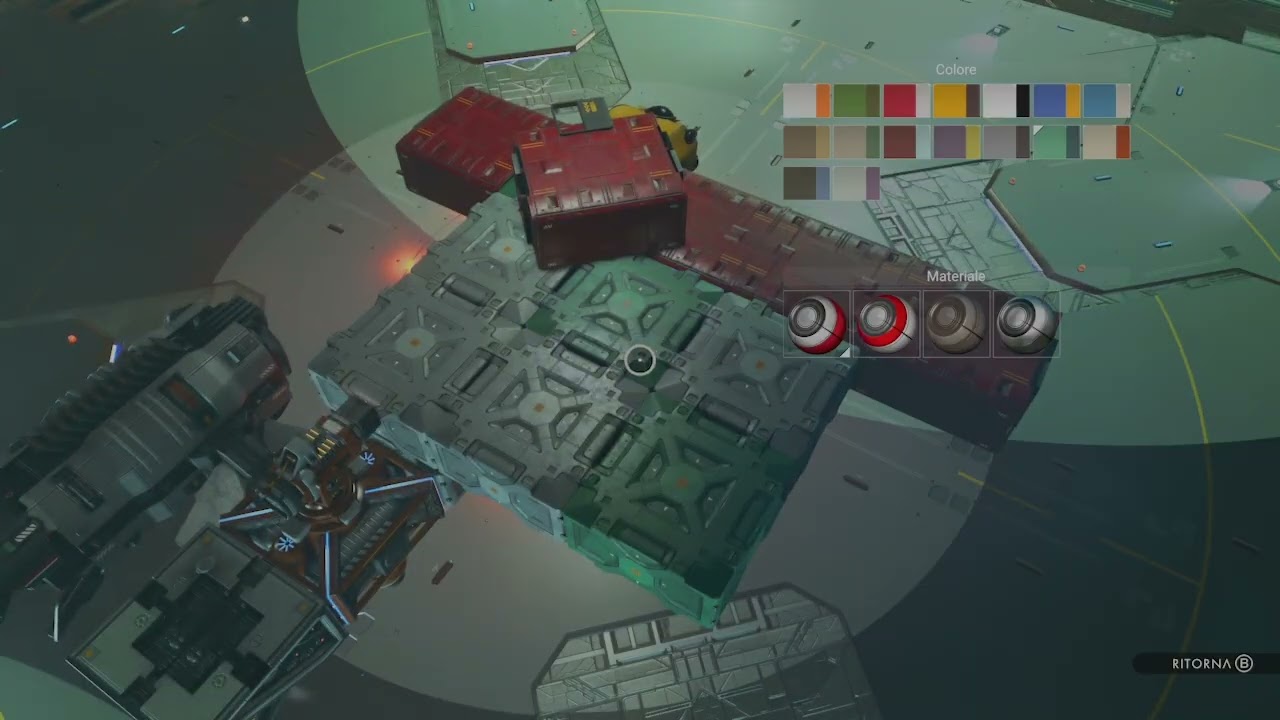
I can see my stored design even when not working on it. Things seem to be working much more smoothly now.
There is, however, still a way to accidentally get stuck and have to force quit. I am bad at hitting the wrong button since this is a bit different from base building. If I hit the cancel button (B on Xbox controller) then hit it again (which is the accident) I see it open the build menu in the background, behind the screen that asks if I would like to Apply, continue, cancel, it then throws me into photo mode in the middle of build mode and I have to quit to get out.
Looks to use a few glitches, yes. There are ways to do this. I have seen offsets and 45 degree angles. Beeblebum likely has a video or stream doing this too, considering the Tweet you posted earlier, uses similar
Yes. My character is quite short but it feels like my head is at the ceiling. In fact, I removed one very downsized ceiling light because you could tell I would be hitting my head on it. The other 2 styles seem a bit larger than this style.
Yes, they place the stairs in freeplace decoration mode, although windows should work too I guess. Then you go to the terminal again to go back to construction mode and have a room snap to it to then work from there to get whatever angled part you were planning to get in place.
I do wish we could have the same zoomed out base building camera in the ships. Using first person is tiring when working on the outside of the ship. I understand not having it to use inside the ship as it would result in a lot of camera jitters but it would be nice to have the option available for exterior building
A thousand times yes. If they can’t let us do it in the interior at least let us do it in the exterior
I’ve been placing foliage all along the outside of my ship and some bits up top or along the side were hard to get an angle on where I didn’t have parts to stand on above or near it.
It’s occuring to me now I could have used placed furniture as step ladders and delete them after in this instance… I’ll remember that for next time. But I’d prefer the build cam before then
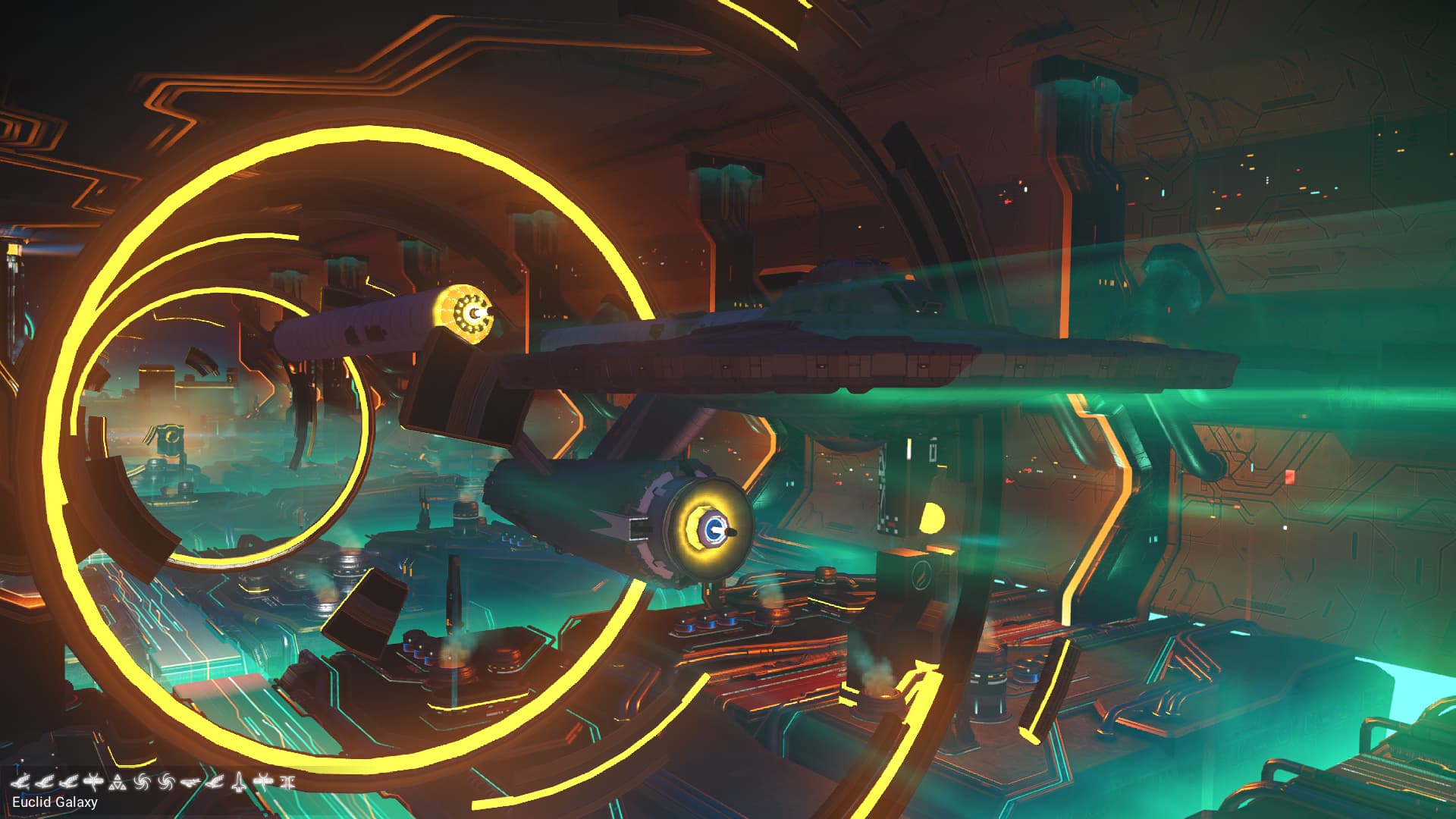
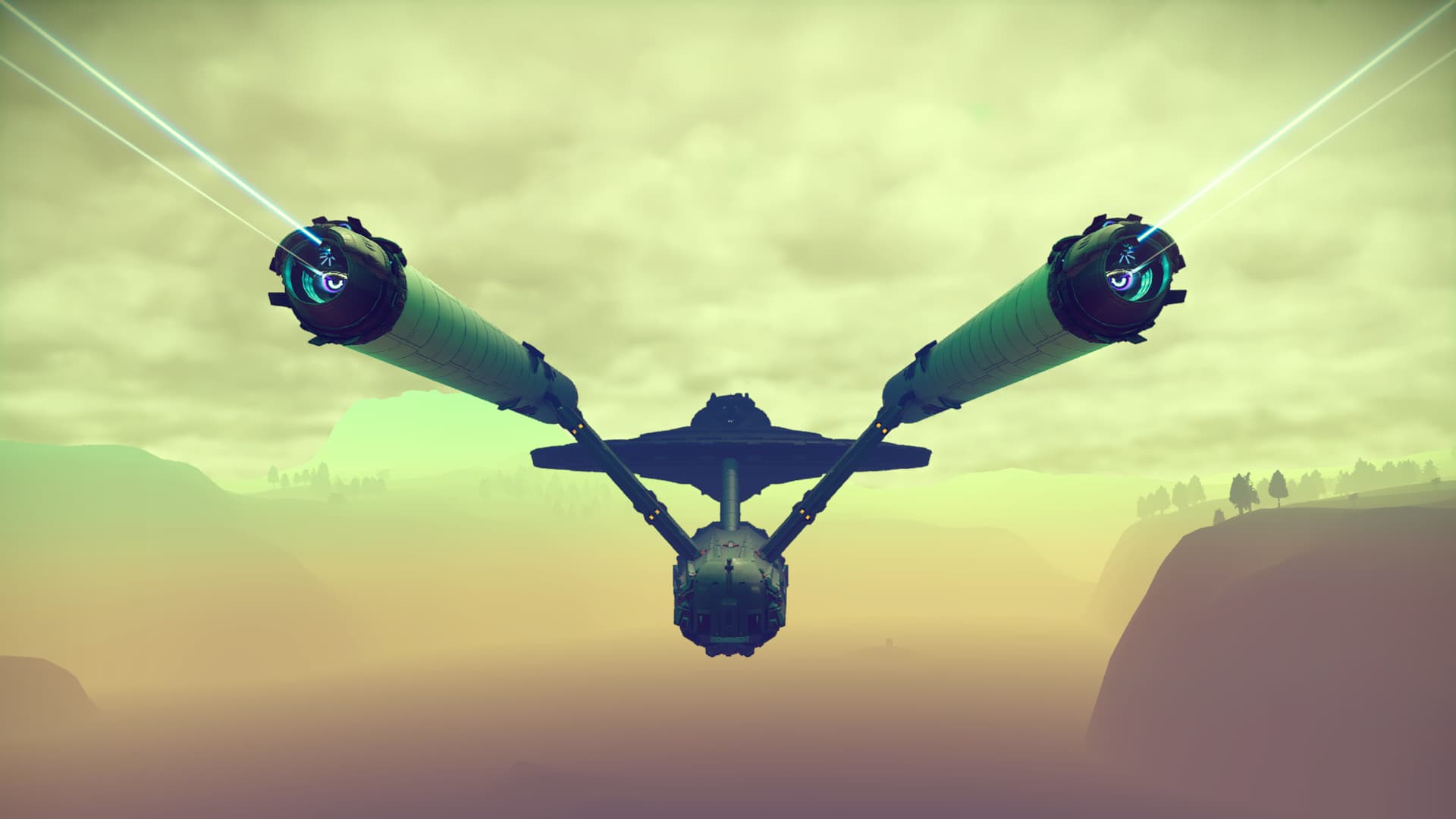
The great news now is I can fly it with caution thrown to the wind since the collision bug is fixed.
When corvettes launched, I was already at my ship limit - both stored and archived. The game allowed me to build one corvette above the number I already had, but when I tried to build another, it wouldn’t save - it would only overwrite one of my existing ships.
Thankfully, I had been collecting exotic ships for another project, and they weren’t hugely important - I had intended to scrap them once I’d studied them - so I scrapped a bunch, and now I can have more corvettes.