My nine year old PC may be telling me something.
How is normally looks:

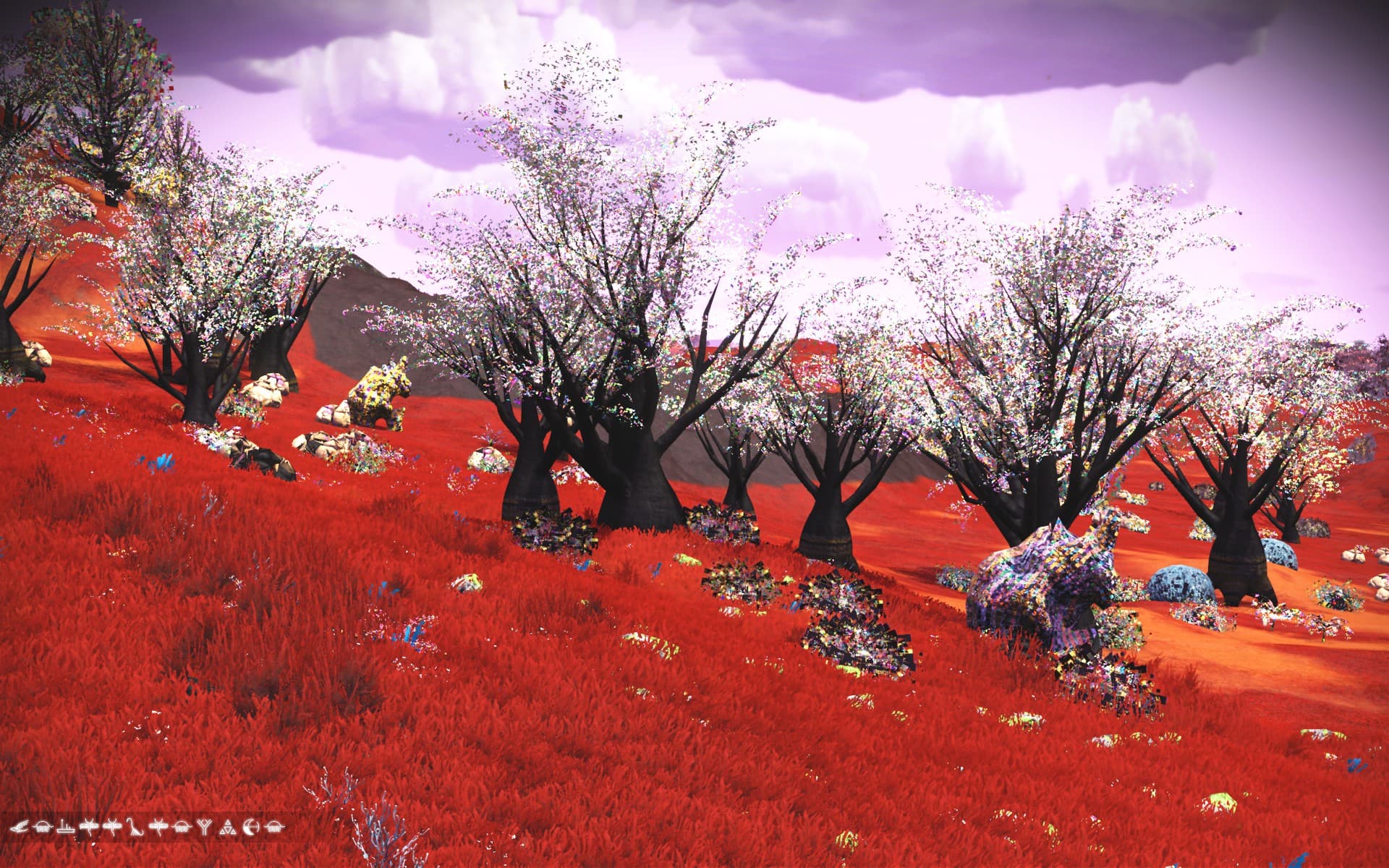
How it looks today:
Interesting changes to my all black ship:


Powered off/on and it’s back to normal:
My nine year old PC may be telling me something.
How is normally looks:
How it looks today:
Interesting changes to my all black ship:
Powered off/on and it’s back to normal:
Sometimes,that’s just NMS. 
Whenever that kind of thing happens to me, it’s time for a replacement video card. Good luck!
“Open the Pod bay doors, Dave!” “I’m afraid I can’t do that, Hal…” Wait, something is the wrong way round here!
That is hilarious! 
NMS was likely trying to re-use some badly cached memory. If on Steam and restart is not helping, you can clear it through the Desktop client:
Quit game > Steam Client > Steam (top left) > Settings > Shader Pre-Caching > Uncheck ‘Enable Shader Pre-Caching’ > Restart game
Note: Enable again after having checked in-game.
My Enable Shader Pre-Caching was originally off. A restart didn’t fix the problem but the power off/on did.
I’ve enabled the caching now to see whether I like it for reducing the load times.
Thanks.
Aww… How very sweet! 


